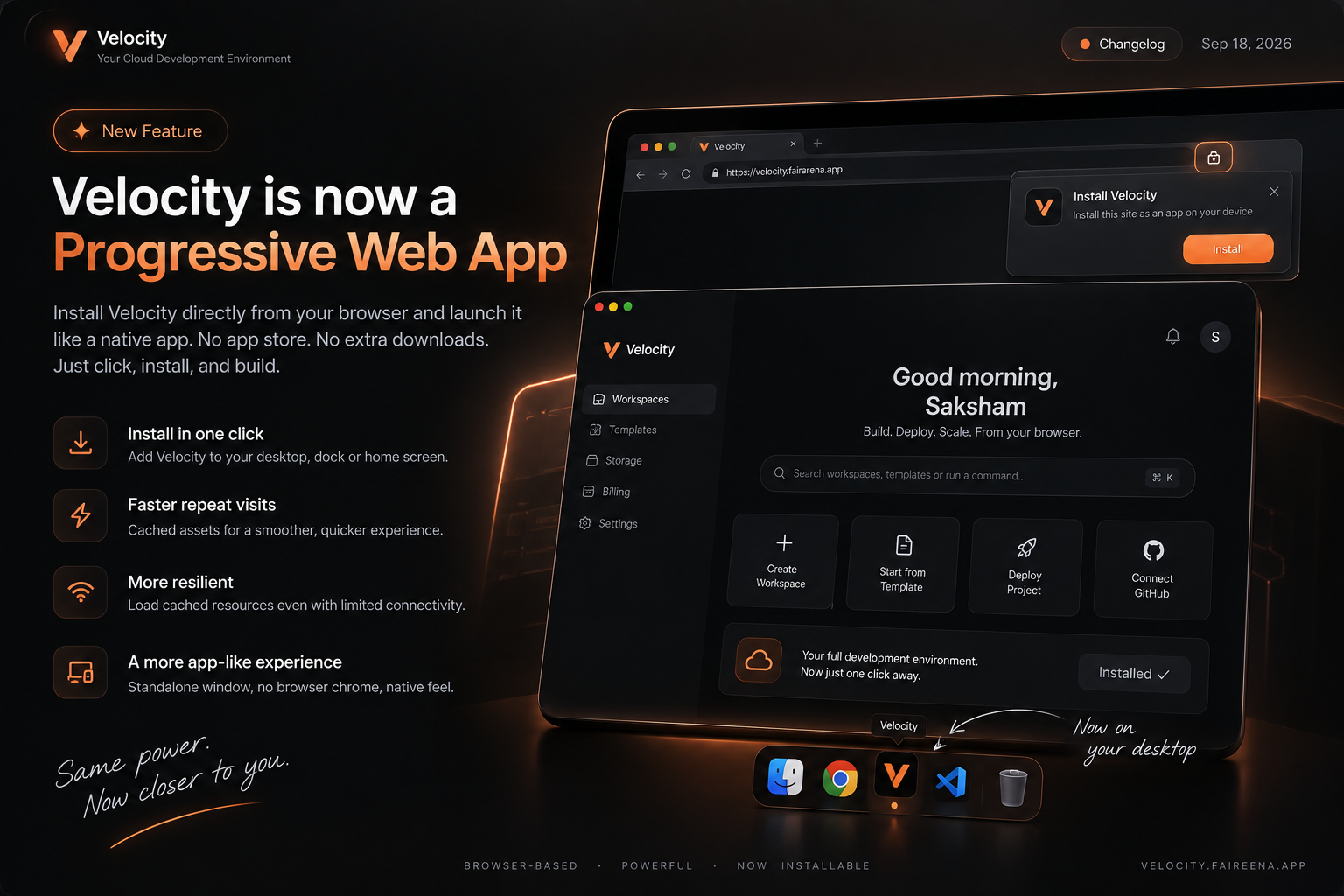
Velocity just got a major usability upgrade: you can now install Velocity directly as an app on your device.
No app-store download. No separate desktop client. Just install Velocity from your browser and launch it like a native application.
What's new
Install Velocity
Install Velocity directly from supported browsers.
Launch it from your desktop, Start menu, dock, or home screen.
Velocity opens in its own standalone app window instead of a normal browser tab.
Faster repeat visits
Velocity now uses a service worker and intelligent asset caching to make previously loaded resources available locally.
Frequently accessed application assets can load from the device cache instead of requiring a fresh network request every time.
Better resilience
The PWA architecture allows Velocity to continue loading cached application resources when connectivity is temporarily unavailable.
Network-dependent operations still require an active connection, but the application shell and cached resources don't necessarily have to be downloaded again.
A more app-like experience
Standalone window
App icon on your device
No browser chrome around the application
Faster access to your workspaces
Native-style launch experience
Why we built it
Velocity is becoming more than a website.
With browser-based development environments, cloud compute, persistent workspaces, GPUs, and now an installable application experience, we're moving toward making your cloud development environment feel like an application you actually own on your machine.
And because it's a PWA, we can ship these improvements through the web without maintaining a completely separate application codebase. PWAs are designed around exactly this combination of web reach, installability, caching, and platform integration.
Install Velocity once. Launch it whenever you need it.
Velocity — your cloud development environment, now available as an app.